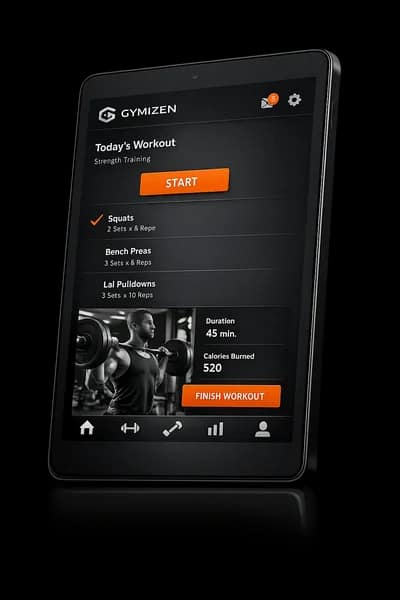

AI Inbox
A single inbox for member questions, follow-up, and operator action.
Bring inbound messages, AI-assisted reply drafts, and concierge prompts into one queue so the team can respond without losing context.
Inbox
Keep conversation work in one queue
Studios lose speed when messages are scattered across channels. Gymizen keeps the working inbox focused on what needs a reply, review, or escalation right now.
- Prioritize inbound messages by urgency and business impact
- Group follow-up work alongside active member conversations
- Let operators review the highest-value threads first
Drafting
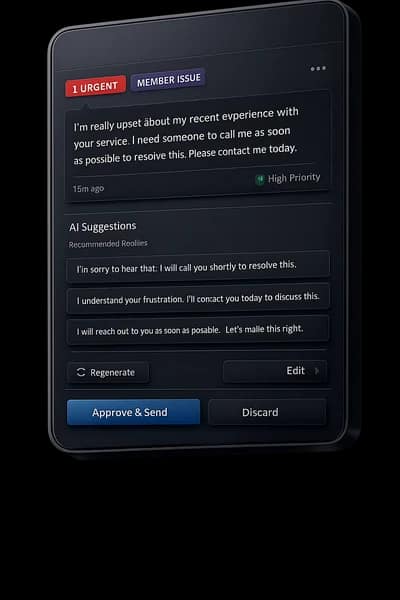
Use AI to shorten the response loop
The job is not to automate away judgment. It is to give staff a better starting point so they can approve, adjust, and send faster.
- Generate reply drafts based on the member context already in the platform
- Keep approval and edit controls visible before anything goes out
- Reuse tone and process across the team instead of improvising from scratch
Coordination
Tie message handling back to operations
A member conversation is rarely just a message. It often touches reservations, payment, credits, or retention follow-up, and the inbox should reflect that reality.
- Link message threads to member records and bookings
- Turn unresolved issues into tasks or follow-up actions
- Keep staff response history visible for the next person who opens the thread
Visuals
See how ai inbox looks in the product.
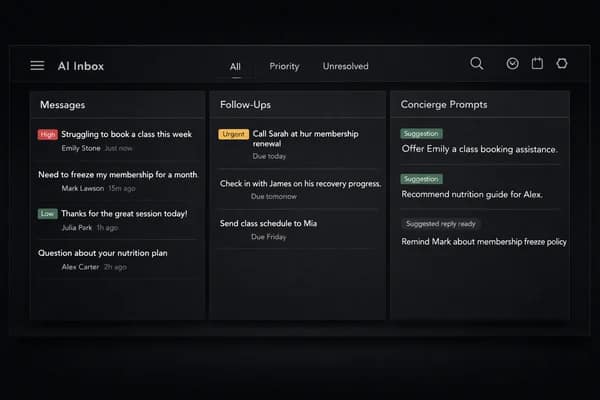
Message triage and follow-up queue.
Testimonials
What operators say about this workflow.
“AI Inbox replaced a manual workaround our team was repeating every day. We can move faster without losing control.”
Avery Chen
Owner, Northline Pilates
“Once we put ai inbox inside the same operating system as bookings and member records, the whole workflow finally started to make sense.”
Marcus Bell
General Manager, Foundry Strength Club
Related features
Explore the connected parts of the platform.
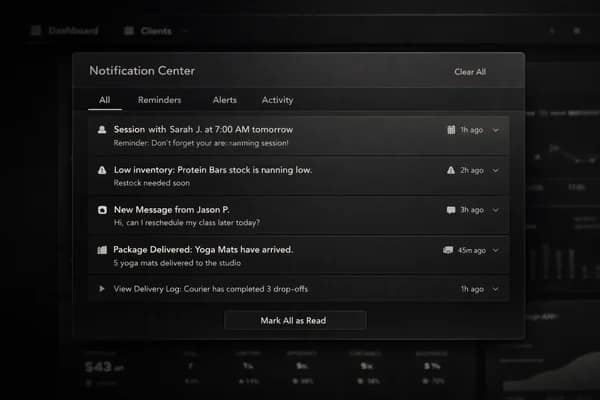
Notifications
Send reminders, updates, and operational alerts to members and staff in real time.
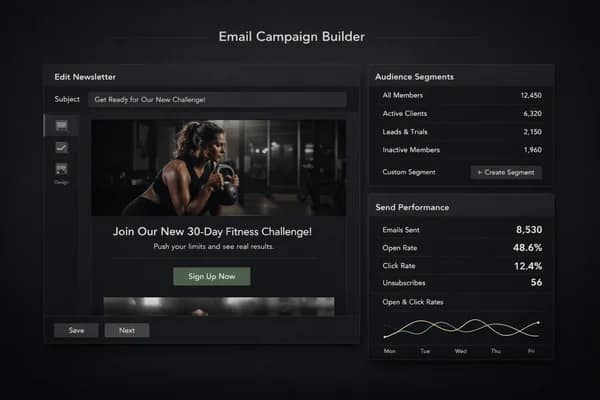
Email Campaigns
Create newsletters, studio updates, and segmented campaign sends without a separate tool.
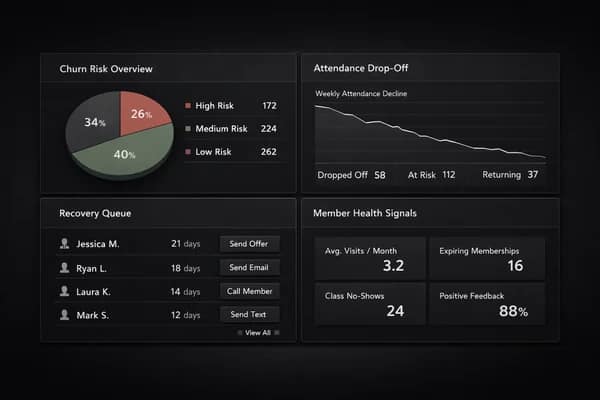
Retention
Surface churn risk, missed habits, and recovery opportunities before they show up in lost revenue.
Plan the next step
Follow this workflow into pricing, proof, and the live demo.
Good feature pages should connect the product detail to the next commercial decision. Use these paths to compare plans, read the operator material behind the workflow, or open the demo.
Next path
Gym software pricing
See which plan fits the workflow depth, rollout complexity, and member experience your brand needs.
Next path
Resources for operators
Read guides, release notes, and operator insights connected to this part of the platform.
Next path
Try the demo
See this workflow in context with scheduling, member records, reporting, and the branded member app.
Start Free
Start a 30-day free trial or book a guided rollout.
Launch and Studio can start self-serve. Multi-location brands can book a demo for rollout planning, data migration, and commercial terms.