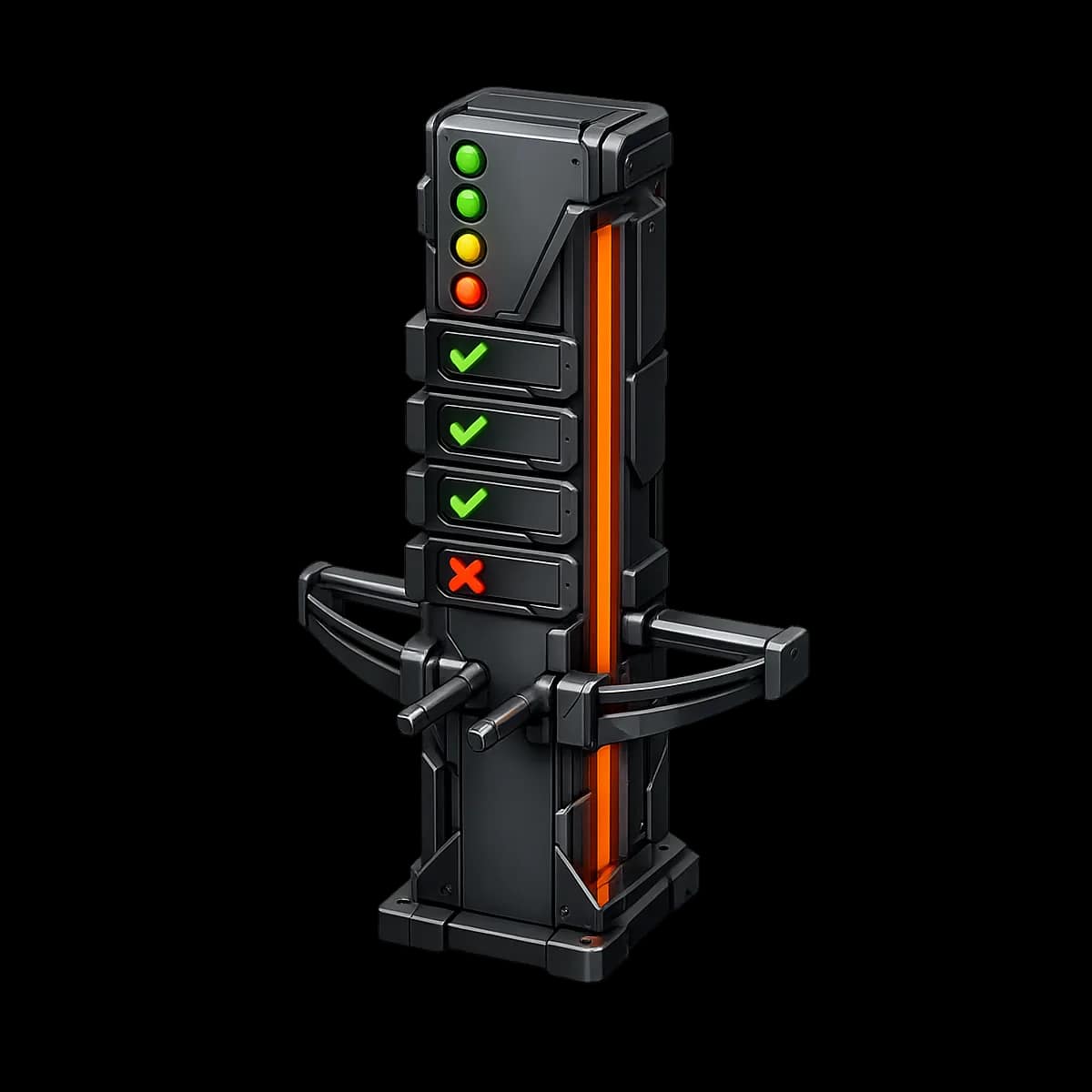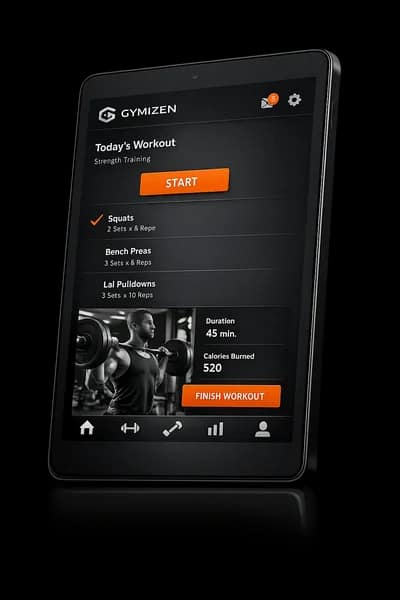

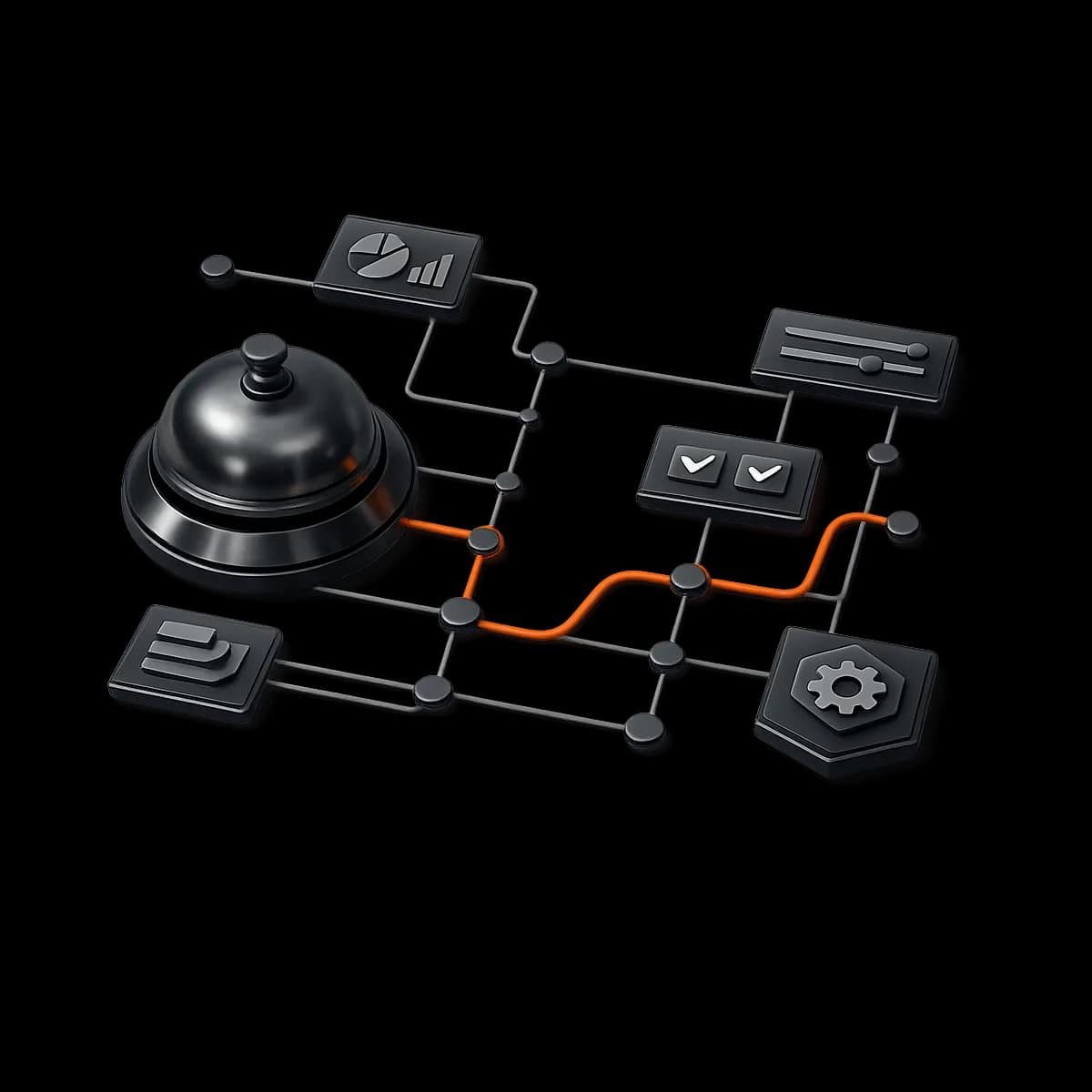
Front desk performance is retention performance. In boutique fitness, the desk is where policies become felt: late cancels, waitlist promotions, membership questions, payment friction, schedule confusion, and “can you make an exception?” moments. This guide gives you a concrete, approval-gated rollout plan so your team can run the day-to-day in Gymizen with consistency—without turning your front desk into a rule-breaking machine (or forcing owners to answer every Slack message).
The goal: a front desk operating system that is fast for staff, fair for members, and fully operator-led—meaning owners and managers define the rules, and Gymizen enforces them with the right approval gates.
What you’ll implement (and what “good” looks like)
- Fast check-in that’s hard to mess up: staff can confirm attendance in seconds, with obvious flags for unpaid, expired, or policy-affected bookings.
- Exception handling with approval gates: staff can request overrides (late-cancel forgiveness, comp credits, cap exceptions), but only managers/owners can approve the ones that matter.
- A predictable support triage: desk knows what to solve now vs. what to escalate, and where to record outcomes so the team doesn’t repeat work.
- End-of-day closure you can audit: a simple closeout routine that catches revenue leakage (unpaid drop-ins, unsettled balances, attendance anomalies).
- A 7-day rollout plan: config, training, QA, and launch steps so you don’t “flip the switch” and pray.
Prerequisites (don’t skip these)
You can run this rollout even if you’re early in your Gymizen implementation, but you need a few basics in place. If you’re missing any of these, fix them first—or your front desk will end up improvising.
- Workspace basics: locations (if applicable), business hours, class schedule (even if temporary).
- Membership products: at least your core membership(s), pack(s), and drop-in(s) created and active.
- Policies defined: late-cancel window, no-show policy, waitlist rules, and any “grace” standards you want to allow.
- Staff roles created: at minimum Owner/Manager, Front Desk, Coach.
- Member data present: enough active members to test real workflows (even a small subset is fine).
Implementation principle: If the front desk can’t answer “what’s the default?” in under 10 seconds, you don’t have a system—you have a set of opinions.
Roles & responsibilities (so approvals don’t bottleneck)
Before you configure anything, assign ownership. A front desk system fails when everyone assumes someone else is deciding the “fairness line.” Use this breakdown to keep decisions operator-led, not staff-led.
- Owner: sets non-negotiables (policy windows, forgiveness rules, comp limits), approves high-impact overrides, reviews weekly exception report.
- General Manager / Studio Manager: config owner for front desk permissions, approves most overrides, maintains the escalation playbook, runs the first two weeks of QA.
- Front Desk Lead: trains peers, enforces the “document every exception” rule, owns opening/closing checklists.
- Front Desk Staff: executes workflows, submits approval requests with notes, resolves member questions using defined scripts.
- Coaches: marks attendance only if assigned (optional); reports issues (member not on roster, equipment/space conflicts) through the same exception channel.
Recommended defaults (operator-led, low-drama)
Defaults are your retention guardrails. The point isn’t to be strict; it’s to be consistent. Consistency reduces the number of “can you make an exception?” moments—and when exceptions happen, Gymizen should capture them cleanly.
- Exception budget (per member): allow a small number of policy forgiveness actions per rolling window (e.g., 1 late-cancel forgiveness per 60–90 days). Anything beyond that requires manager approval with a reason.
- Staff comp limits: front desk can comp small items (e.g., towel fee) but cannot comp classes, months, or packs without approval.
- Cap integrity: never allow staff to exceed class caps by default. If you occasionally allow it (VIP, make-good), require an approval request so it’s visible and reviewable.
- Billing “hold the line”: if a member is in failed payment or overdue status, default is no new bookings until resolved—unless manager approves a short grace period.
- Documentation required: any override must include a note: what happened, what action was taken, who approved (if applicable), and what to do next time.
Step-by-step configuration walkthrough
This section assumes your classes and memberships exist. We’re now configuring the desk experience so the “happy path” is fast and the “edge cases” are controlled.
1) Define desk permissions (start restrictive; open up after week 2)
Your first configuration move is permissioning. If you skip this, you’ll rely on staff judgment during rush periods—and that’s how policies become inconsistent.
- Create/confirm roles: Owner, Manager, Front Desk, Coach.
- Front Desk role can: search members, view membership status, check members into class, take payments (if you allow), add notes, create support tickets/tasks (if you use them).
- Front Desk role cannot (recommended): delete transactions, edit membership pricing, change policy windows, override late-cancel/no-show charges, exceed caps, comp class credits, issue refunds.
- Manager role can: approve overrides, adjust charges within limits, grant make-good credits, correct attendance, resolve billing blocks, manage staff schedules (optional).
- Owner role can: everything, plus review/audit logs and exception reporting.
If your desk team is experienced and stable, you can loosen controls later. But during a rollout, restrictive permissions are a feature—because they force documentation and approvals.
2) Configure the check-in workflow (attendance is the backbone)
Front desk success starts with one screen and one habit: open the roster, verify booking/eligibility, mark attendance. Build the workflow around the busiest 10 minutes of your day.
- Set an “arrival window” standard: decide how early you want members arriving (e.g., 10 minutes). This becomes your desk script and supports on-time starts.
- Choose the attendance owner: desk marks attendance for all classes, or coaches do it, or hybrid. Recommended: desk owns it for peak classes; coaches can backstop.
- Define what “checked in” means: booked + present + eligible. If someone is present but not eligible (expired membership, unpaid), your workflow should route to resolution or approval.
- Standardize name matching: if you have multiple “Mike S.” situations, establish a quick identity check (phone number last 4 digits, birthday month, etc.).
Operator tip: Attendance errors look small daily and huge monthly. If you want retention reporting to matter, attendance must be boringly accurate.
3) Set up exception categories (so staff doesn’t invent new ones)
When the desk doesn’t have predefined categories, they solve problems in DMs, sticky notes, or memory. Create a small set of exception types that cover 95% of cases.
- Booking issue: member not on roster, double-booked, wrong class type, time confusion.
- Eligibility issue: expired membership, no credits, billing hold, missing waiver.
- Policy request: late cancel forgiveness, no-show dispute, waitlist bump request.
- Capacity exception: request to exceed cap, add equipment slot, allow a “squeeze-in.”
- Payment/charge question: chargeback threat, refund request, pricing discrepancy.
- Member experience incident: injury accommodation, coach mismatch, complaint requiring follow-up.
Your goal is one place to record these with consistent tagging, so the manager can review patterns weekly: which policies are confusing, which classes are always over-cap, and which staff need coaching.
4) Add approval gates for the “expensive” actions
Approval gates are how you keep the business operator-led while still letting the desk move fast. The trick is to gate the actions that either (1) cost real money, (2) create fairness risk, or (3) distort capacity.
- Require approval: refunds, reversing late-cancel/no-show charges, exceeding caps, granting make-good credits, extending billing grace, changing membership terms.
- No approval (desk can do): checking in attendance, updating contact info, adding notes, confirming schedule info, collecting a missed payment via the approved payment method.
Operationally, approvals work best when the desk can submit a request in under 60 seconds and the manager can approve/deny in under 2 minutes with a documented reason.
5) Build the desk scripts (so policies feel human)
A Gymizen workflow is only as good as the words your staff uses while executing it. Write short scripts that match your brand voice and reduce conflict. These are not corporate paragraphs—they’re 1–2 sentence defaults.
- Eligibility block: “It looks like your membership is on a billing hold. We can get it fixed right now—once it’s resolved, you’ll be good to book again.”
- Late cancel request: “Our policy is a X-hour window. I can submit a one-time exception request for manager approval—do you want me to do that?”
- Cap exception request: “We run strict caps for safety and experience. I can request an approval, but we don’t promise overrides—want me to submit it?”
- Refund request: “Refunds require manager review so we do it correctly. I’ll log this now and you’ll hear back by tomorrow at (time).”
QA checks (test like a member, not like an admin)
Do QA with at least three test scenarios: (1) normal member, (2) member with an eligibility issue, (3) member requesting an exception. Your goal is to ensure the desk sees the right cues and cannot “accidentally” do something expensive.
QA checklist (run this before go-live)
- Roster visibility: front desk can quickly find today’s classes and open rosters without admin navigation.
- Check-in speed: staff can check in a booked member in a few clicks/taps (time it during a mock rush).
- Eligibility flags: a member with an expired/blocked status is clearly identified at check-in.
- Override blocking: front desk cannot exceed caps, reverse charges, or issue credits without an approval path.
- Approval routing: manager receives the request with enough context (member, class/date, rule, reason, requested action).
- Audit trail: after an approval, the final action is visible in the member’s history with notes (who, what, why).
- End-of-day reconciliation: you can identify unpaid drop-ins, attendance mismatches, and policy-related charges to review.
Common mistakes (and how to avoid them)
- Mistake: giving front desk “manager powers” on day 1. Fix: start with restrictive permissions and widen after two stable weeks.
- Mistake: treating exceptions as one-offs. Fix: require category + note for every exception; review weekly to reduce repeats.
- Mistake: allowing cap overrides during rush without documentation. Fix: route all cap exceptions through a request (even if you usually approve).
- Mistake: missing a service recovery path. Fix: define what the desk can do immediately (small comp) vs. what needs manager follow-up.
- Mistake: no closeout. Fix: implement a 10-minute end-of-day checklist that catches revenue leakage and data drift.
The 7-day rollout timeline (configure, train, launch, stabilize)
This timeline assumes you’re rolling out to an existing operation (not opening a brand-new studio). Adjust pacing if you’re mid-migration or multi-location. The key is sequencing: config → rehearsal → controlled launch → review.
Day 1 — Decide the rules (owner + manager, 45–60 minutes)
- Finalize desk “fairness line”: what can be forgiven, how often, and who can approve.
- Define comp limits: what desk can comp without approval (if any).
- Define cap exception policy: basically never, sometimes with approval, or only for specific classes.
- Set response SLAs: manager approval requests answered in (e.g.) 2 hours during business hours.
Day 2 — Configure permissions + approval gates (manager, 60–90 minutes)
- Confirm staff roles and assign accounts correctly.
- Lock down high-impact actions for front desk.
- Enable the approval path for refunds/credits/cap overrides/policy reversals.
- Create exception categories and required note templates (short prompts).
Day 3 — Build the check-in SOP + scripts (manager + front desk lead, 60 minutes)
- Write the opening sequence: open roster, identify flags, prep for arrivals.
- Write the “3 common scripts”: eligibility block, late cancel request, cap exception request.
- Define escalation rules: what must be logged and who gets notified.
Day 4 — Rehearsal (mock rush) + QA (all desk staff, 30–45 minutes)
Run a rehearsal with 10 fake scenarios. Make it feel like 5:30pm. You’re not testing if people can click; you’re testing if the workflow holds under speed.
- Booked member checks in (normal).
- Walk-in wants a spot in a full class.
- Member shows up but membership is blocked/unpaid.
- Member disputes a no-show.
- Two members have similar names.
- Member wants a refund.
- Member says “I’m on the waitlist; can you just add me?”
Day 5 — Controlled go-live (soft launch for 1–2 peak blocks)
Pick your busiest block (or two) and run the front desk workflow exactly as designed. The manager should be on-call for approvals and watching for friction points.
- Manager task: respond to approvals quickly, then log what you approved and why.
- Front desk task: log every exception, even if it feels obvious.
Day 6 — Add the closeout checklist (10 minutes daily)
Closeout prevents slow leakage. You’re looking for “small errors that become big churn” (billing confusion, attendance mismatches, missing follow-up).
- Review the day’s exception log: any open items that need manager follow-up?
- Check unpaid drop-ins / unsettled balances and assign a resolution owner.
- Spot-check attendance: any classes with unusually low attendance vs. bookings?
- Confirm tomorrow’s peak classes: waitlist counts, cap integrity, coach coverage.
Day 7 — Review + tighten (owner + manager, 30–45 minutes)
Your first review is not about perfection—it’s about correcting the workflow while it’s still new. Look for: approval bottlenecks, repeated exception types, and places staff is tempted to break the system.
- Update scripts: rewrite anything that caused conflict or confusion.
- Adjust approval rules: if managers are approving the same safe thing 20 times/week, consider delegating that one action with a limit.
- Fix root causes: if most exceptions are “I didn’t know the policy,” update member comms and app messaging.
What success should look like in Gymizen (after 2–4 weeks)
Success isn’t “no exceptions.” Success is: exceptions are documented, approvals are fast, policies are consistent, and members feel taken care of without staff freelancing.
- Check-in consistency: attendance is accurate and completed for all classes within the same day.
- Lower repeat disputes: fewer repeated late-cancel/no-show arguments because the policy is communicated consistently.
- Approval visibility: owner/manager can see what was overridden and why (no mystery comps).
- Faster resolution: billing holds and eligibility issues get resolved within defined SLAs (not weeks later).
- Reduced staff stress: front desk knows what they’re empowered to do and what needs escalation—no more improvising under pressure.
Conclusion: make the desk boring (so retention gets easier)
The best front desk teams don’t rely on heroic memory or “the one senior staff member who knows everything.” They rely on an operator-led system: clear defaults, fast check-in, structured exceptions, and approvals for the expensive moves. Implement the 7-day plan above, run a real mock rush, and commit to one weekly review for the first month. When the desk becomes boring, your member experience becomes dependable—and that’s where retention starts compounding.
Next step: once your desk workflow is stable, connect it to your broader operating rhythm—reporting cadence, retention workflows, and member onboarding—so exceptions turn into insights instead of recurring fires.