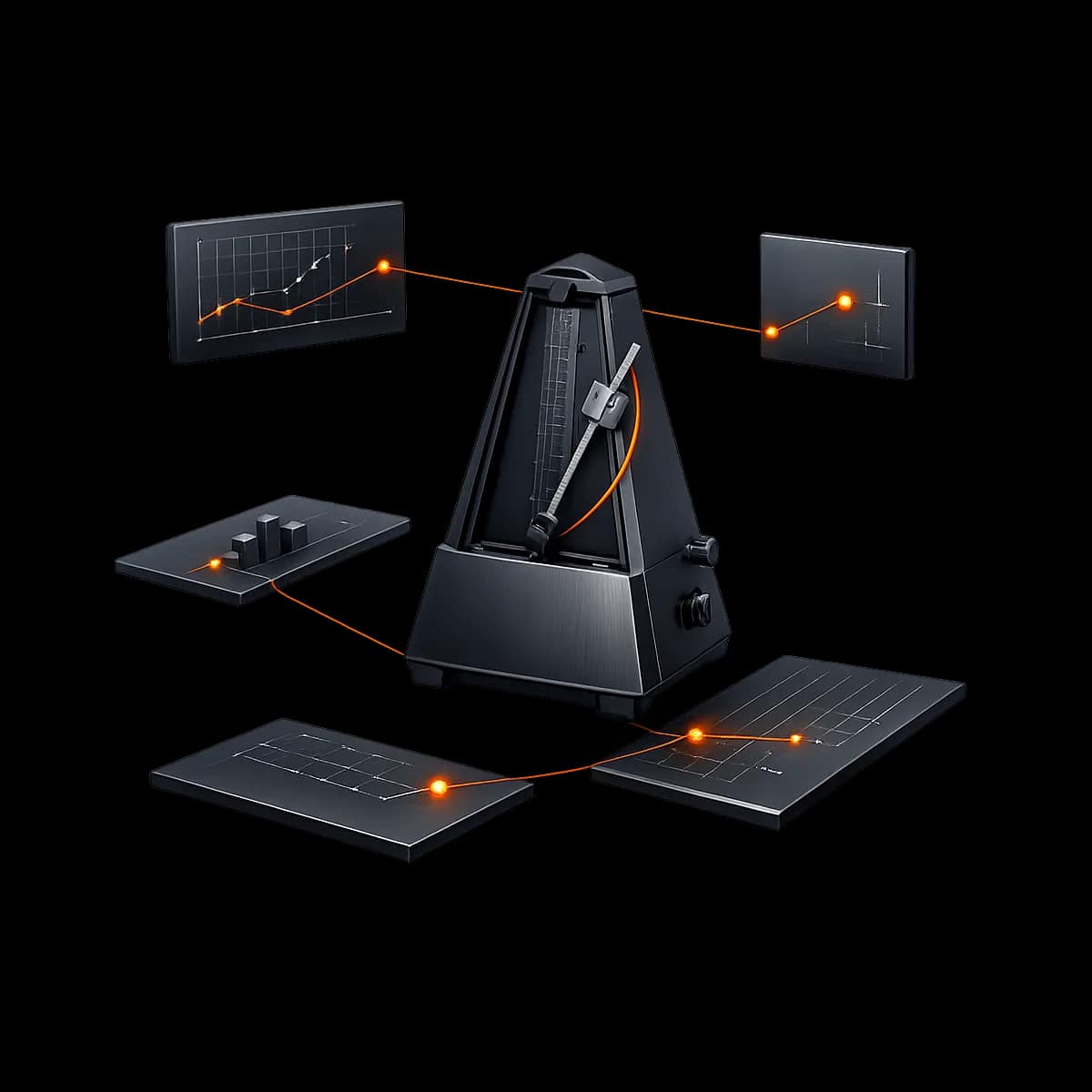
Most boutique fitness businesses don’t have a “reporting problem.” They have a cadence problem: reports get pulled only when something feels off (cash is tight, classes are empty, churn spikes), and by then you’re reacting to last month’s decisions. Gymizen is designed for operator-led teams that run proactive operations—and that requires a weekly rhythm with clear owners, consistent definitions, and approval-gated exception handling so the numbers actually translate into action.
This guide is a concrete implementation walkthrough for setting up a weekly reporting cadence in Gymizen across CrossFit gyms, yoga studios, Pilates studios, martial arts schools, and boxing gyms. You’ll configure report ownership, define exception queues, add approval gates to the decisions that create revenue leakage, and train the team to run a 45–60 minute weekly review without turning it into a meeting that everyone dreads.
What you’ll implement (and what “done” looks like)
- A single weekly ops review (45–60 minutes) with a standard agenda and consistent report pack.
- Role-based ownership: owners don’t “do all reporting,” managers don’t “guess,” and front desk doesn’t “improvise refunds.”
- Exception queues for revenue leakage and retention risks (failed payments, unreviewed comps, late-cancel exceptions, manual adjustments).
- Approval gates on the actions that change your financial reality (refunds, account credits, comped memberships, backdating, plan changes).
- A 4-week rollout that trains the team and proves reliability with QA checks before you scale it.
At the end, you should be able to answer these questions inside Gymizen without a scramble: What changed this week? Why? Who is responsible? What’s getting approved vs auto-handled? What’s the next action?
Prerequisites (do these first so reporting isn’t garbage-in/garbage-out)
Before you build a reporting cadence, make sure your Gymizen foundation is stable. If any of these are missing, your weekly review will become a debate about definitions instead of a decision-making meeting.
- Member records are clean enough to segment (statuses/tags are consistent; duplicates are resolved; key fields aren’t blank).
- Products and pricing are configured (memberships/packs; taxes if applicable; discount rules; refund/credit rules).
- Schedule and attendance workflow is stable (reservations, waitlist rules, check-in process).
- Permissions are defined (who can issue refunds, credits, adjustments; who can change plans; who can override policies).
- One location or multiple locations are clearly separated (so reporting lines up to how you run the business).
If you’re mid-implementation, complete your core onboarding first using Operator onboarding checklist for Gymizen. If you’re switching systems, finish your migration using Member data migration guide for gyms moving into Gymizen so your starting baseline is trustworthy.
The operating cadence model: four layers (Daily → Weekly → Monthly → Quarterly)
This guide focuses on weekly reporting, but it works best when it sits on top of a simple full-stack cadence:
- Daily: front desk closeout + exception capture (not exception resolution).
- Weekly: owner/manager review + approve/deny exceptions + assign follow-ups.
- Monthly: deeper trend read (cohort retention, pricing integrity, schedule capacity vs demand).
- Quarterly: structural decisions (schedule redesign, staffing plan, pricing/package changes, policy updates).
Gymizen’s job is to make the daily layer disciplined (clean inputs), the weekly layer decisive (fast approvals and follow-ups), and the monthly/quarterly layers strategic (trends you can act on).
Recommended defaults: your “Weekly Ops Review” report pack
Don’t start with 30 metrics. Start with a pack that answers: revenue integrity, retention risk, and capacity utilization. Below is a practical default pack for most boutique fitness operators.
1) Revenue integrity (what leaked, what’s pending approval)
- Payment exceptions: failed payments, retries, recovered payments, and accounts approaching suspension.
- Manual adjustments: comped items, account credits, backdated changes, voids, refunds.
- Discount usage: new discounts created, discount overrides, and “one-time” promos (flag for review).
Your goal isn’t to punish the team—it’s to make sure revenue-impacting actions are intentional and auditable, with approval gates where needed.
2) Retention risk (who is drifting, who needs a human touch)
- Attendance drop: members whose weekly visits fell vs their baseline.
- New-member engagement: first-30 days attendance and missed-first-week alerts.
- Hold/reactivation queue: new holds, holds ending soon, and reactivation follow-ups.
If you already run retention workflows, align these views with your existing playbooks like The First-30 Attendance Engine and your internal coaching outreach routines.
3) Capacity and schedule health (what to adjust before it hurts)
- Class fill rate: highest and lowest utilization by class time, format, and coach.
- Waitlist pressure: classes consistently full vs consistently underfilled.
- Attendance variance: expected vs actual attendance patterns (to stabilize staffing and member experience).
This layer ties directly to your scheduling and waitlist configuration. If your schedule workflow is still settling, review Class Schedule + Attendance Workflows in Gymizen and Boutique fitness scheduling best practices before making big changes based on week-one data.
Step-by-step setup in Gymizen (with approval gates that keep reporting honest)
Below is a practical configuration sequence. Even if you can technically configure these in any order, this order reduces rework because you define ownership and definitions before you build dashboards and alerts.
Step 1: Define the “source of truth” week (and stop arguing about dates)
Pick one weekly boundary and standardize it across the team (for most U.S. operators: Monday–Sunday). Document it in your internal SOP and use the same range in Gymizen filters so everyone is reviewing the same week.
- Recommended default: Monday 12:00am → Sunday 11:59pm local time.
- Weekly meeting time: Monday afternoon or Tuesday morning (so you have all of last week’s data).
- Lock-in rule: no “moving the week” because someone is out—reschedule the meeting, not the definition.
Step 2: Assign report ownership (so every metric has a human accountable)
A Gymizen reporting cadence fails when everyone is “responsible” and therefore no one is. Assign owners by role. Owners can still review everything—but they shouldn’t have to build everything.
- Owner/GM: final decisions, approvals, policy changes, staffing adjustments.
- Ops Manager / Studio Manager: compiles the weekly pack, runs the meeting, assigns follow-ups, ensures queues are cleared.
- Front Desk Lead: daily closeout accuracy, exception capture, notes on member-facing incidents.
- Head Coach / Program Lead: class quality signals, attendance context, coaching outreach assignment.
Step 3: Configure approval gates for revenue-impacting actions (so exceptions become reviewable work)
Approval gates are what turn “reporting” into control. Without gates, the weekly meeting becomes a post-mortem of things that already happened. With gates, your weekly review becomes a queue-clearing system: approve what’s legitimate, deny what’s sloppy, and fix the root cause.
Use the principle: if it changes cash collected, recognized value, or member fairness, it should be gated.
- Refunds: require manager approval above a threshold (example default: any refund > $25, or any refund after 7 days).
- Account credits: require approval above a threshold (example: credits > $20).
- Comped memberships / free weeks: always require owner/GM approval.
- Backdating: backdated membership start dates, cancellations, or invoice edits require approval.
- Plan changes with pricing impact: downgrades, special rates, or custom plans require approval.
If your team is still building refund/credit discipline, align this with Gymizen Billing + Payments Setup and your daily reconciliation workflow in Front Desk Closeout in Gymizen so the gates don’t feel like surprise bureaucracy.
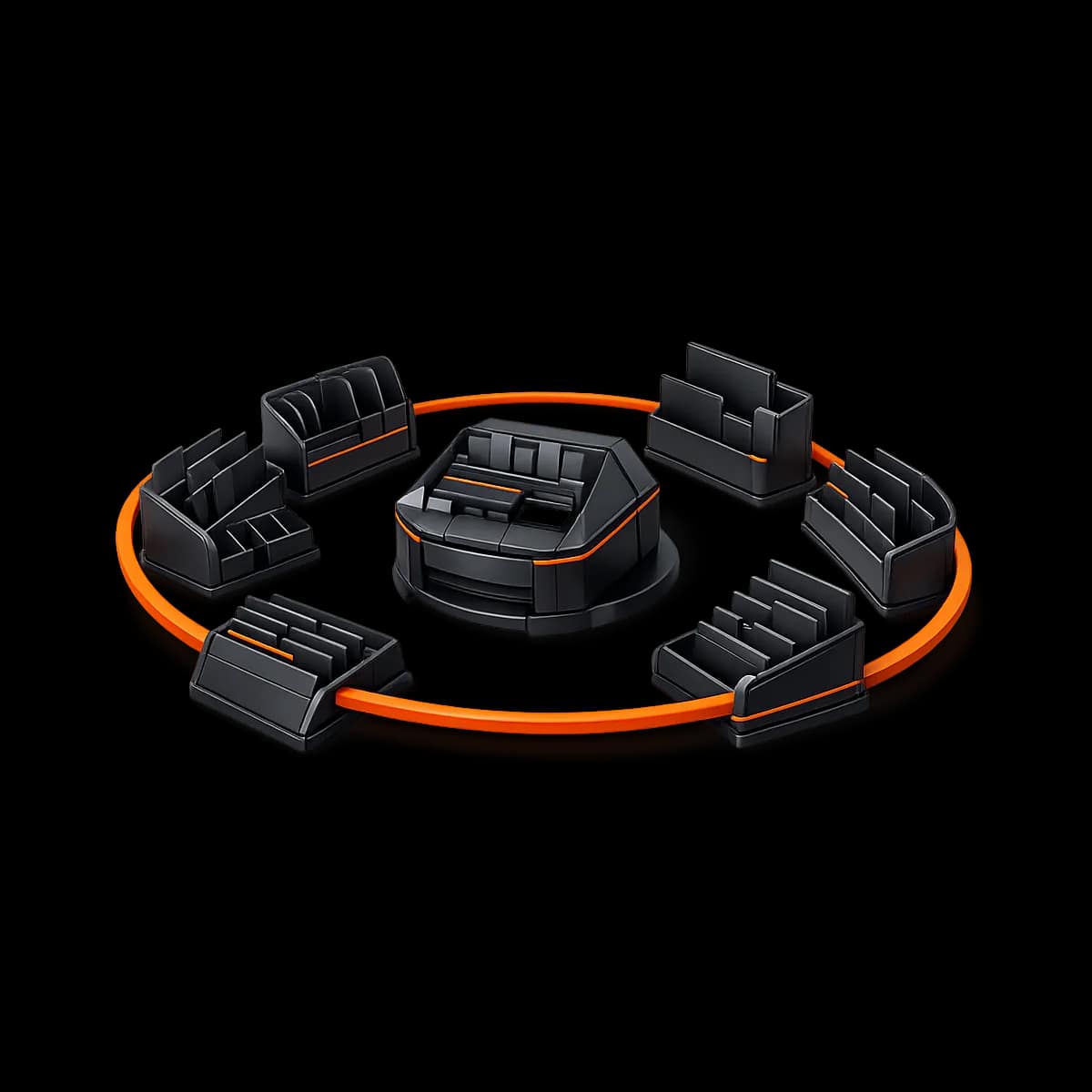
Step 4: Build exception queues (your weekly meeting should be 80% “queues,” 20% “charts”)
Charts are useful, but queues drive action. Your weekly review should surface lists of specific items to approve, fix, or follow up on. Configure your weekly pack so it includes queue-style views such as:
- Pending approvals: refunds/credits/adjustments waiting for approval.
- Open payment issues: failed payments not yet contacted; accounts nearing suspension; recent recoveries.
- Policy exceptions: late-cancel/no-show exceptions created this week (and by whom).
- Member risk queue: attendance drop list; new members with low engagement.
- Operational hygiene: unresolved duplicate profiles, missing email/phone, unassigned memberships, untagged leads (if applicable).
Step 5: Standardize labels and notes (so your future self can audit decisions)
Any approval-gated action should require a short reason note. Otherwise, you’ll see a refund in reporting and have no idea whether it was a legitimate service recovery, a duplicate charge fix, or “we felt bad.”
- Recommended reason defaults: Duplicate charge fix; Policy exception (approved); Service recovery; Medical issue; Schedule disruption; Coach replacement; Billing error; Other (requires note).
- Minimum note rule: “Other” must include 1–2 sentences.
- Owner review rule: if “Other” shows up more than 2–3 times per week, fix the reason list or fix the behavior.
Role-by-role responsibilities (exactly what each person does each week)
Reporting cadence only works when the work is distributed. Use the responsibilities below as your baseline SOP and adjust for your team size.
Owner / GM (15–25 minutes prep, 45–60 minutes meeting)
- Pre-review: scan the pending approvals queue (refunds/credits/comps) and identify anything that feels like a pattern.
- Meeting: make final decisions on approvals; confirm any policy clarifications; approve schedule changes and staffing adjustments.
- Post-meeting: communicate 1–2 key decisions to the team (example: “No more same-day late-cancel exceptions without manager approval”).
Ops / Studio Manager (30–45 minutes prep, meeting facilitator)
- Prepare the weekly pack: ensure date filters are correct; export or share dashboards if needed.
- Queue integrity: confirm all pending approvals have notes; confirm exceptions are categorized (not “Other” everywhere).
- Facilitate: keep the meeting on agenda; stop rabbit holes; convert observations into assignments.
- Close the loop: assign follow-ups (member outreach, coach check-ins, billing callbacks) and verify completion by Friday.
Front Desk Lead (daily hygiene + 10 minutes weekly input)
- Daily: run closeout; capture exceptions with notes; never “fix it with a refund” without the gate.
- Weekly: bring 3 bullets: recurring member complaints, common booking confusion, and any coach/schedule friction points.
- Quality: verify attendance check-in compliance (missed check-ins create fake utilization problems).
Head Coach / Program Lead (15–20 minutes weekly prep)
- Review schedule health: identify class times that are over/under capacity and propose small adjustments (swap formats, coach assignments, caps).
- Retention support: take ownership of coach outreach assignments to “attendance drop” members.
- Coach feedback loop: identify coaching quality issues that could explain attendance drift (not every drop is a billing issue).
The weekly meeting agenda (copy/paste template)
Keep this meeting short, repeatable, and queue-driven. A strong default is 60 minutes with a hard stop. If you regularly exceed 60 minutes, you have either (a) too many metrics, or (b) too many exceptions that should have been prevented by gates and daily closeout hygiene.
- 5 minutes — Wins + anomalies: One win, one concern. No debate yet.
- 15 minutes — Revenue integrity queues: pending approvals; adjustment trends; discount overrides. Decisions happen here.
- 15 minutes — Payment + collections health: failed payments and recovery; outreach assignments; accounts nearing suspension.
- 15 minutes — Retention risk queues: attendance drop list; new-member low engagement; holds ending soon.
- 10 minutes — Schedule/capacity: fill rate and waitlist pressure; small changes only (big changes go to monthly review).
End every meeting with a single question: “What will be different by Friday because we met today?” If you can’t answer, your meeting is informational—not operational.
QA checks (don’t scale cadence until these pass for 2 consecutive weeks)
QA is what turns a “new process” into a reliable operating system. Run these checks weekly during rollout, and then monthly once stable.
QA check A: Attendance integrity
- Spot-check 3–5 classes across different times: do check-ins match reality?
- Are late adds and drop-ins recorded consistently (or living in someone’s memory)?
- Do coaches understand whether they should self-check-in members, or front desk does it?
QA check B: Approval-gate compliance
- Any refund/credit above your threshold: was it actually routed through approval?
- Do approvals include a reason note (not just “ok”)?
- Do you see the same staff member repeatedly generating exceptions? (That’s a coaching opportunity or permission issue.)
QA check C: Data definition drift
- Are you using the same date range and same location filters every week?
- Did anyone change a product, price, or policy mid-week without noting it? (Changes are allowed—silent changes are what break trends.)
- If you have multiple locations: are members being counted in the correct location context?
Common mistakes (and how to fix them fast)
Mistake 1: Tracking too many metrics (so nothing gets owned)
If your weekly pack has more than ~10 core views, you’ll spend your meeting reading instead of deciding. Shrink the pack until you can reliably clear queues and assign follow-ups within 60 minutes.
Mistake 2: Allowing “shadow ops” (refunds, comps, and exceptions outside approval gates)
If staff can bypass gates, your reporting becomes a detective story. Fix it by tightening permissions, making reason notes mandatory, and coaching the team on what counts as a legit exception vs a convenience workaround.
Mistake 3: Treating retention as “a coach problem” and billing as “a manager problem”
Retention is cross-functional: billing friction causes churn, and poor class experience causes churn. The weekly cadence works when the head coach and ops manager both own parts of the same retention picture and coordinate follow-ups.
Mistake 4: Changing policies without changing the workflow
If you adjust late-cancel rules, refund thresholds, or discount rules, update the gates and the reason labels immediately. Otherwise, your reports will show “noise” that’s actually just your process lagging behind your policy decision.
A 4-week rollout timeline (implementation + training + adoption)
This is a practical rollout that works whether you’re brand-new to Gymizen or tightening up after go-live. The key is to treat cadence as a behavior change, not a dashboard project.
Week 1 — Define and gate (set the rules before you look at the numbers)
- Lock weekly boundaries (Monday–Sunday) and schedule the weekly ops review.
- Assign owners for revenue integrity, retention risk, and schedule health.
- Turn on approval gates for refunds/credits/backdating/plan changes (start strict; you can relax later).
- Train front desk on exception capture + reason notes (capture is the win this week).
Week 2 — Build the weekly pack and run the first meeting (expect friction)
- Create the weekly pack with queues and a small set of trend views.
- Run the first 60-minute meeting (it will feel slower than you want).
- Decide on 1–2 workflow fixes (example: tighten who can issue credits; require “Other” notes).
- QA check: attendance integrity spot-check + approval compliance.
Week 3 — Reduce noise (make the queues cleaner, not bigger)
- Remove 1–2 low-signal charts from the pack and replace them with queues or action lists.
- Coach the repeat exception creators (usually permission misuse or unclear policy).
- Add a follow-up tracker: each assigned action has an owner and due date (Friday is a good default).
- QA check: definition drift (date ranges, location filters, silent product/policy changes).
Week 4 — Operationalize (make it the normal way you run the business)
- Promote the cadence: publish the weekly meeting and ownership in your team SOP.
- Set “definition lock” rules: changes to products/policies must be documented and acknowledged in the weekly meeting.
- Move to maintenance mode: QA weekly for 2 more weeks, then monthly.
- Plan the monthly deep dive: decide which trend topics you’ll review monthly (not weekly).
What success looks like in Gymizen (clear, observable outcomes)
You’ll know the weekly cadence is working when the following become true for at least 4 consecutive weeks:
- The weekly meeting stays under 60 minutes and ends with assigned actions (not “we should”).
- Approval queues are cleared on a predictable schedule (no month-end surprise adjustments).
- Refunds/credits become rare and well-labeled instead of frequent and vague.
- Attendance integrity improves: fewer missed check-ins, fewer “mystery” attendance swings.
- Retention outreach becomes proactive: you contact drifting members before they cancel.
- Policy exceptions decrease because the workflow prevents casual overrides.
If you want a benchmark-oriented companion to your weekly cadence (what “good” tends to look like), pair this with Studio benchmark report: the numbers boutique fitness operators should review. If you want a simple weekly KPI framing for retention, use The real retention dashboard for gyms: what owners should track every week as a lens—but keep this Learning Center workflow as the way your team actually executes in Gymizen.
Conclusion: reporting isn’t the outcome—operational control is
A weekly reporting cadence in Gymizen is not about becoming “data-driven.” It’s about becoming exception-driven: you create clean workflows that surface the right queues, you gate the decisions that cause revenue leakage, and you assign follow-ups that protect retention before cancellations happen.
Start small, enforce approval gates early, and treat QA as part of adoption. Within a month, you should feel a real shift: fewer surprises, fewer ad-hoc refunds, clearer accountability, and a team that knows exactly what “a good week” looks like in Gymizen.